Why Every PM Needs a Personal AI Workflow - Not Just AI Tools
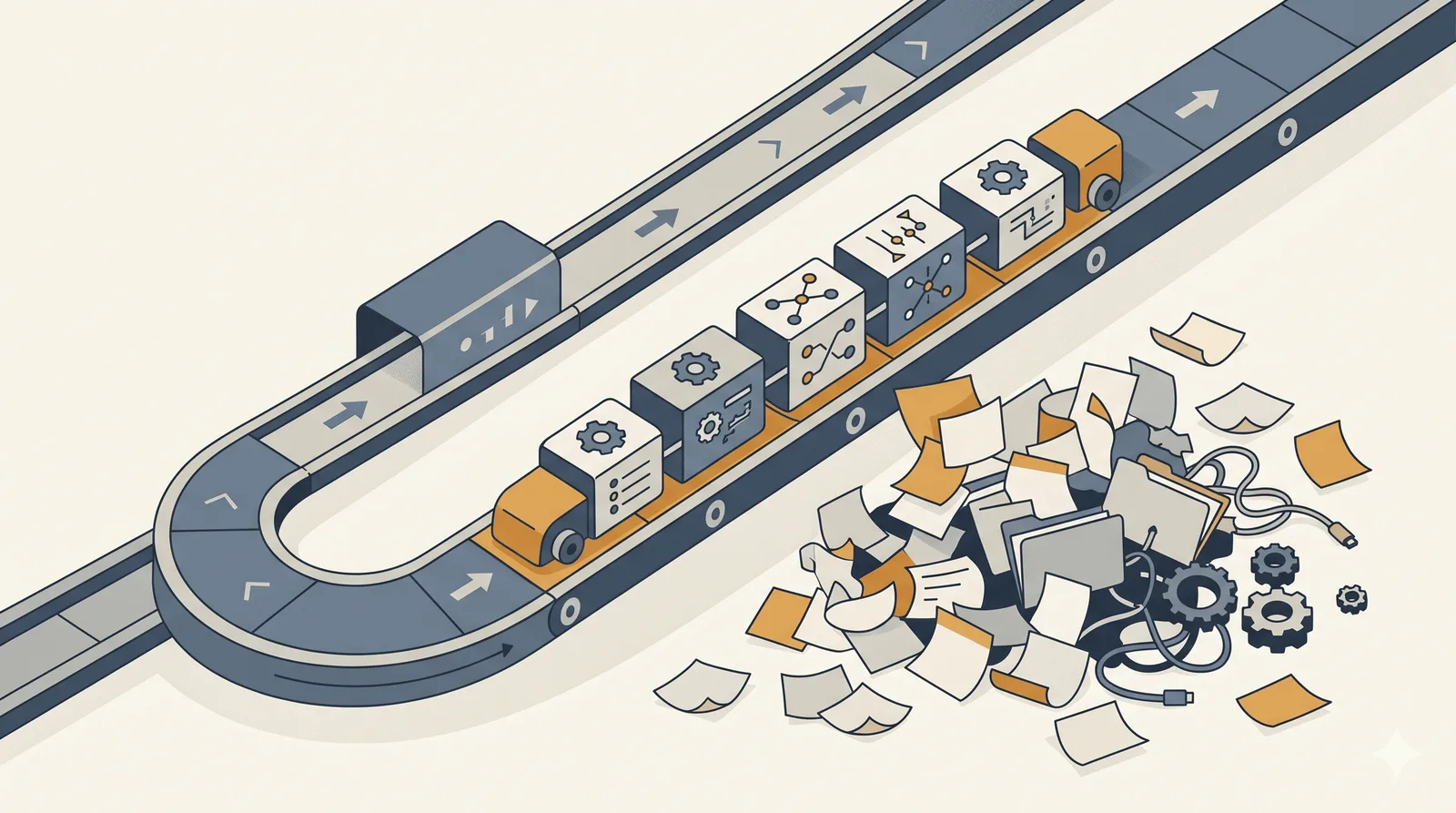
A personal AI workflow for project management is a set of repeatable prompts, defined inputs, and consistent outputs applied to the same recurring tasks every time - status reports, meeting minutes, risk reviews, stakeholder updates. It’s the difference between using AI when it’s convenient and building a system that compounds. Most project managers are using AI in some form. Fewer have built the workflow that turns ad hoc use into reliable capability.
The project management industry has been here before. The rise of digital scheduling tools in the nineties. The shift to cloud-based collaboration platforms in the 2010s. Every cycle brings the same pattern: widespread adoption, wildly uneven results. AI is following the same trajectory. The tools are everywhere. The outcomes vary.
Aim for Systematic
Most project managers I talk to have generated a status update with AI, summarised a meeting transcript, maybe drafted a risk register entry. They’ve seen the value. They keep going back.
But there’s a meaningful difference between using AI when it’s convenient and building a personal workflow around it. One is opportunistic. The other is systematic - and the gap between them is where most of the unrealised value sits.
The opportunistic approach isn’t wrong. It’s how most tools get adopted. You pick them up when you need them, put them down when you don’t, and gradually they become more habitual. But AI rewards consistency in a way that most other tools don’t. The more structured your input, the more useful your output. The more repeatable your prompts, the more predictable your results.
The Problem Isn’t the Tools - It’s the Gap Between Them
Here’s the friction point: most PMs who use AI are doing so across five or six different contexts - status reports, meeting notes, risk reviews, stakeholder communications, retrospectives - but treating each one as a separate, ad hoc activity.
So every Monday, they start the status report process from scratch. They write a new prompt. They paste in slightly different data. They get slightly different output. Inconsistent quality. Inconsistent format. A result that doesn’t build on last week’s.
The tools aren’t the problem. The absence of a workflow connecting them is.
A personal AI workflow isn’t a complicated system. It’s a set of repeatable patterns - specific prompts, defined inputs, consistent outputs - that you apply to the same recurring tasks, every time. It’s the difference between having your running kit ready and deciding to go for a run when the mood strikes.
What a Personal AI Workflow Actually Looks Like
In practice, a PM workflow covers three layers.
Preparation. Before a meeting, governance session, or key deliverable, you have a prompt that preps your context. It takes your risk register and recent status data and generates a three-point brief. Two minutes of input, two minutes of output, and you walk in prepared rather than reactive.
Production. The recurring outputs - status reports, meeting minutes, stakeholder updates - each have a defined template and a corresponding prompt. Same structure, every time. Not because rigidity is a virtue, but because consistency makes the output trustworthy and the process invisible. (If you haven’t looked at which PM tasks are worth automating first, that’s a good starting point before you build.)
Review. End-of-sprint or end-of-phase, a prompt that takes your project data and asks the right forward-looking questions. Where are the patterns in the last four weeks? What does the trajectory suggest about the next four? This is the layer most PMs haven’t built yet - and it’s where the real strategic value lives. Analysing and interpreting project data with AI goes deeper on this if you want a practical framework for the review layer.
None of this requires a technical setup. It requires decisions. Which tasks recur? What does good output look like for each? What does the AI need from you to produce it consistently?
Starting Without Overhauling Everything
The most common reason PMs don’t build a workflow is the same reason they don’t build anything: it sounds like a project in itself.
It doesn’t have to be.
Start with one task. The one you do most often. The one where the quality of your output is most variable. Write a prompt for it and save it somewhere you’ll actually find it - a notes app, a project folder, a text snippet tool. Use it three times. Refine it once.
That’s a workflow. It doesn’t need a name or a framework. It needs to exist, be repeatable, and produce output that’s reliably better than what you’d produce without it.
From there, you add tasks. Not all at once. Not because someone told you to optimise your process. Because you hit the same friction point again, and you decide - once - how to solve it properly.
The Shift That Makes It Stick
There’s a mindset difference at the centre of this. Using AI ad hoc treats it as a shortcut. Building a workflow treats it as a capability.
Shortcuts are useful. Capabilities compound. A shortcut gets you through this Friday’s status report. A capability changes how you approach every status report from now on - and what that frees you up to do with the time it saves. There’s a broader version of this shift - treating AI as a senior advisor you already have access to - that’s worth reading if you haven’t already.
The project managers who get the most from AI aren’t the ones using the most tools. They’re the ones who’ve decided which tasks don’t deserve their full attention and built the systems to handle them. Not because those tasks don’t matter - but because freeing up attention is how you make space for the thinking that does.
Frequently Asked Questions
How do I build a personal AI workflow for project management? Start with one recurring task - the one you do most often with the most variable output. Write a single prompt, save it, use it three times, and refine it once. Then add tasks one at a time as you hit friction points. A workflow is just repeatable prompts with defined inputs and consistent outputs.
What’s the difference between using AI tools and having an AI workflow? Using AI tools is ad hoc - you open the tool when you need it and start from scratch each time. A workflow is systematic: you’ve pre-decided the prompt, the input format, and the expected output for each recurring task. The tool is the same; the consistency of how you use it is what changes.
Which PM tasks should I automate with AI first? Status reports, meeting minutes, and risk register updates are the three highest-return starting points. They recur weekly, have predictable input-output patterns, and produce immediately visible time savings. Build one, then expand.
What would you do with two hours back from your weekly admin cycle? Most people have an answer. The question is whether they’ve built the workflow to make it real.
What’s the first recurring task you’d build a workflow around? I’d be interested to hear what people are starting with - the commonalities tend to point to where the highest-value opportunity actually sits.
Yes, AI helped me to write this :)