The Shared Prompt Library - How PMs Turn Individual AI Skills Into Team Assets
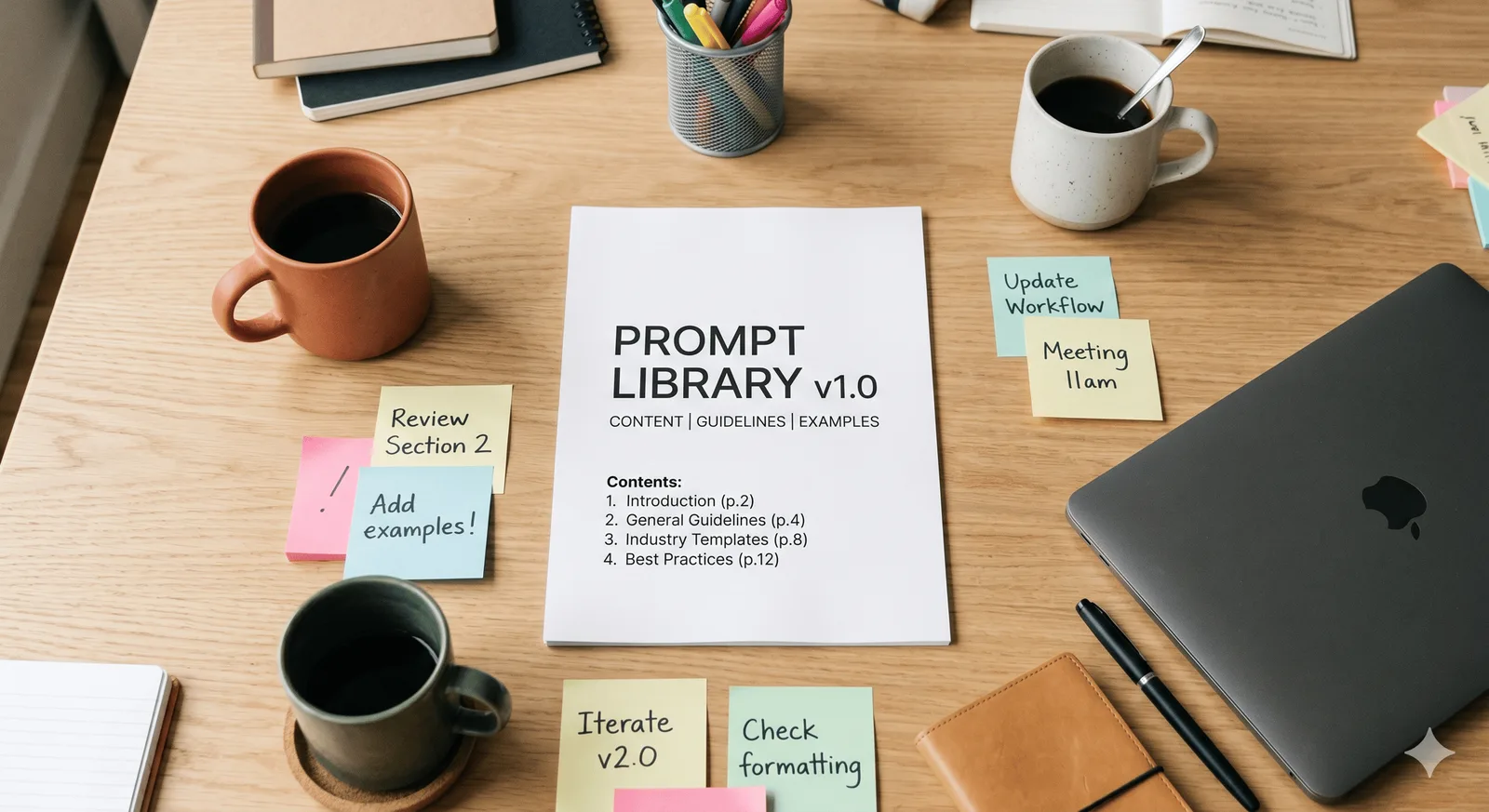
One team member’s AI-generated status report is polished and stakeholder-ready. Another’s is technically accurate but needs an hour of editing before it can go out. Same tool. Same task. Completely different results - and the gap is invisible to the PM until it lands in their inbox.
This isn’t a skill gap. Both team members know how to use the tool. The difference is that one of them has spent months refining a prompt that works for your project’s context, your stakeholder’s expectations, and your team’s reporting format. The other is starting from scratch every time.
The knowledge exists on your team. It just lives in one person’s head - and when they leave, it walks out the door with them.
The Pattern You’ve Already Seen
The AI adoption curve on most project teams follows a familiar sequence.
First, individuals find tools that work for them. A PM discovers that a well-structured prompt cuts their weekly status report from 45 minutes to 10. A project coordinator starts using AI to process meeting notes. A lead finds a way to extract risk items from a Slack thread in under a minute. Each of these is a genuine improvement - real time saved, real friction removed.
But they’re personal improvements. Nobody else knows they exist. The team’s aggregate AI capability is the average of what each individual has figured out, not the best of what anyone has discovered.
Then someone leaves. Or a new team member joins and starts building their own library from scratch, making the same trial-and-error iterations the last person already worked through. Or two team members are producing outputs so inconsistent in format and quality that it creates more work for the PM who has to reconcile them before anything goes to a stakeholder.
A shared, governed prompt library doesn’t solve the problem of poor AI use. What it does is make the good AI use team-level, permanent, and transferable.
What a Governed Prompt Library Actually Looks Like
The term “prompt library” sounds like it might involve a content management system and a change approval board. It doesn’t have to.
At its simplest, it’s a shared document or folder with a short list of validated prompts for the recurring AI-assisted tasks on your project. Status reports. Meeting minutes summaries. Risk flagging from project data. Stakeholder update drafts. Decision log entries. Each one tested against real project outputs - not just demoed once and filed.
The key word is validated. A prompt in the library isn’t one that looks good. It’s one that has been run against actual project data and produced an output that met the standard, consistently enough that you’d trust a team member to use it without hand-holding.
That’s the bar. Anything that clears it goes in. Anything that doesn’t gets refined or dropped.
Version control matters more than it sounds. When your project scope changes, or when a stakeholder’s reporting preferences shift, the prompts that were working well may start producing outputs that need more intervention. The PM who figured out the updated version should update the library - not just carry the improvement personally. One update benefits everyone. That’s the whole point.
The PM’s Role Is Curator, Not Author
The natural instinct when someone says “build a prompt library” is to spend a weekend writing prompts from scratch. That’s the wrong starting point.
The better approach: start with what already works on your team. Ask your team members which AI prompts they actually use regularly. Pull out the ones that are producing consistently good outputs. Document them. That’s version 1.
Your job after that is curation, not creation. You’re reviewing what’s in the library against what’s actually being produced. You’re retiring prompts that have drifted - ones that made sense for the project six months ago but don’t reflect the current scope or stakeholder landscape. You’re adding new ones when the team discovers something that works.
Think of it less like writing documentation and more like maintaining a risk register. It’s a living record that degrades if nobody tends to it - but it doesn’t take much tending to stay useful.
The discipline is the quarterly check. Pull up the library. Run each prompt against a current output. If it’s still producing what you need, it stays. If it’s producing outputs that need more editing than they used to, the prompt needs updating or the expectation needs adjusting.
The Onboarding Angle Nobody Talks About
What about the use case that consistently gets underestimated: new team members.
When a new PM or project coordinator joins a team, the standard onboarding package includes the project brief, the risk register, the stakeholder map, and a week of shadowing. What it almost never includes is: here’s how we use AI on this project, here are the prompts that are actually working, and here’s what each output is supposed to look like.
So they figure it out. Which takes time, produces inconsistent outputs in the interim, and - if they’re competent - results in them eventually developing something close to what the team was already using. Duplicated effort, invisible to the PM until the outputs land in their inbox.
A prompt library added to the standard onboarding pack changes that. The new team member knows from day one what the expected output of an AI-assisted status report looks like, which prompts produce it, and what the threshold is for sending versus editing. That’s not a minor process improvement. For a senior PM joining a complex programme, it can meaningfully compress the time before they’re producing outputs that meet the standard.
Where the Platforms Are Heading
Chrome’s Skills feature - which lets users save a prompt as a reusable one-click workflow triggered by a ’/’ shortcut in the Gemini sidebar - illustrates where this is going at the tool level. AI assistance is moving from typed conversations toward curated, validated shortcuts. The platforms are building the mechanism. The question is whether your team is building the library that sits behind it.
Most enterprise platforms will eventually offer some version of team-level prompt sharing. Google Workspace already has it in early form. Microsoft Copilot Studio is built around it. The underlying logic is the same regardless of platform: AI that’s been configured for your specific context and outputs produces better results than AI running on generic instructions.
A prompt library is that configuration, done at the team level, maintained by the PM, and updated as the project evolves. By the time your platform of choice has a native feature for it, you’ll already have the discipline in place.
Getting Started
The shortest path to a working prompt library is three steps:
Step 1. Ask each team member to share the one or two AI prompts they actually use regularly - the ones they’d reach for without thinking.
Step 2. Test each one against a real recent output from the project. Does the prompt produce something that meets the standard, with minimal editing? If yes, it’s library material. If not, it either gets refined or doesn’t make the cut.
Step 3. Document the keepers in a format the whole team can access. Include the prompt, the task it’s for, the expected output format, and a brief note on when it works best. That’s it. That’s version 1.
From there, the library either gets used and improved - which is what happens when the curation is visible and the standard is clear - or it sits untouched and becomes irrelevant. The difference is usually whether the PM treats it as a living document or a one-time project.
A prompt library nobody maintains is just documentation. One that gets updated after every quarterly review is team infrastructure. The goal is the latter.
Frequently Asked Questions
How do I create a shared AI prompt library for my project team? Start with what your team already uses. Ask each team member for their best working prompts, test them against real project outputs, and document the ones that consistently produce outputs that meet the standard. Keep it in a shared location and review it quarterly.
How do I keep AI prompts consistent across a project team? Version control and curation. A prompt that worked three months ago may not work the same way after a scope change or a shift in stakeholder expectations. The PM’s role is to review the library against actual outputs on a regular cadence - not just document prompts once and leave them.
What should go in a PM’s prompt library? Start with the recurring outputs: status reports, meeting summaries, risk flags, stakeholder updates, decision log entries. For each one, document the prompt that consistently produces an output you’d send without heavy editing, what context it needs to work well, and what the expected output format looks like.
Is a prompt library worth maintaining for a short project? For projects under three months with a stable, small team, probably not. The payoff comes from consistency across team members and knowledge transfer at handover or onboarding. If neither of those is a real problem, the overhead of maintaining the library may not be worth it.
Yes, AI helped me to write this :)