Before You Ship: An AI Agent QA Checklist for Project Delivery
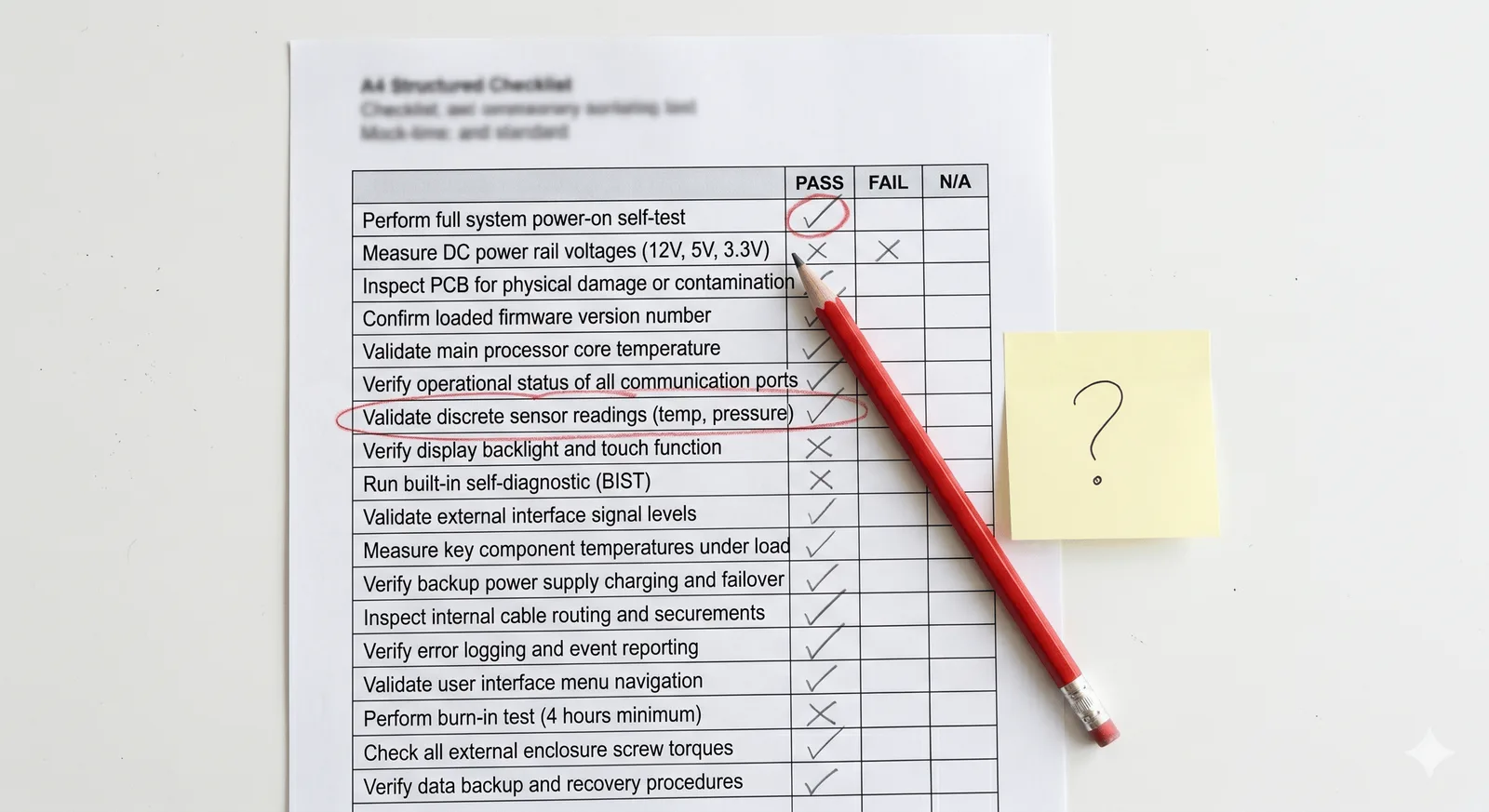
AI agents fail in predictable ways - task misspecification, sequential reasoning errors, context loss, and tool misuse are common examples that show up in delivery contexts. A structured pre-launch QA pass, run in two gates - one on the agent’s reasoning, one on its output - catches the systematic ones before they reach stakeholders. The PM’s role is to define the test scenarios; the agent can run most of them itself.
Three weeks in, nobody had noticed.
The project agent had been generating weekly status reports the whole time. Outputs were clean, well-formatted, on time. The summaries read as plausible. But somewhere in the workflow design, the task completion logic was wrong - the agent was counting tasks moved to “in review” as closed. Every report had overstated progress by roughly 15%. It wasn’t a dramatic failure. It was a quiet, systematic one, and it had been quietly compounding for three weeks before someone cross-checked the numbers manually.
This is the failure mode that concerns me more than the dramatic agent disasters. Not the spectacular misfires - those get caught quickly. The slow, plausible, invisible errors that look fine until they don’t.
A basic pre-launch QA pass would have caught it.
AI Agents Fail in Predictable Ways - Two Gates Catch Most of It
The instinct when an agent produces wrong output is to treat it as random. It’s not. Research into agent failures - including a 2025 study that analysed over 1,600 execution traces across seven multi-agent frameworks - keeps surfacing the same handful of patterns. There’s no single definitive list (one taxonomy names 14 distinct failure modes, another names 15), but most of what shows up in delivery contexts falls into two buckets: errors you can catch by watching the agent work, and errors you can only catch by checking what it produced.
That split is the structure worth building your QA pass around. Two gates, not one: in-task evaluation, where you watch the agent’s reasoning as it runs, and output verification, where you check the finished deliverable against what you actually needed. Below are examples of what goes wrong at each gate - not an exhaustive list, but enough to build test scenarios from.
Gate One: In-Task Evaluation
This gate catches errors that live in the agent’s process, not its final output. By the time the deliverable lands in front of you, the reasoning that produced it is invisible - so you have to go looking for it deliberately, before go-live.
Task misspecification. The agent solves a coherent, well-executed version of the wrong problem. This is the single most common failure category in the research, and it’s easy to miss because the output often looks competent - it’s just answering a question nobody asked. In project contexts: a status summary that faithfully reports task counts but uses a definition of “done” nobody agreed to, or a risk analysis that’s thorough but scoped to the wrong project phase.
Sequential reasoning errors. The agent makes a wrong inference early in a task and builds on it. Each subsequent step looks locally correct - the logic from step to step holds - but the chain started from a flawed premise. In project contexts, this shows up as risk assessments that miss a dependency, cost projections built on an incorrect baseline, or action logs that accurately capture what was said but misread what was decided.
Context loss. The agent drops critical information mid-task. This tends to happen in longer workflows, where context that was loaded at the start isn’t retained through to the steps that need it. A risk register update that correctly identifies new risks but doesn’t connect them to the existing mitigation owners. A stakeholder summary that loses the thread between concerns raised in week three and the decisions made in week five.
To test for these, give the agent a scenario where the input contains a subtle problem and watch what it does with it, rather than just checking the end result. Feed a risk monitoring agent a register with one wrong dependency and check whether its downstream analysis inherits the error or catches it. Brief a reporting agent ambiguously and check whether it asks for clarification or guesses. If it inherits the error or guesses without flagging uncertainty, that’s the failure mode confirmed - and you’ve found it before it reached a stakeholder.
You can also make this gate easier to run by building self-verification into the task itself. Ask the agent, as part of the same prompt, to state which source fields it used, flag anything ambiguous it had to assume rather than confirm, or rate its own confidence in a specific step before finalising. This doesn’t replace the test scenarios above - an agent’s self-report is a design choice, not a third gate, and it can be wrong in exactly the same systematic way the rest of its output can. But it surfaces reasoning that would otherwise stay invisible, which makes the test scenarios faster to run and easier to interpret.
Gate Two: Output Verification
This is the gate most project teams already run, informally: does the deliverable look right? The QA checklist makes it deliberate, and extends it to cover a failure mode that doesn’t always show up in the agent’s reasoning trace - it only shows up in what got produced.
Tool misuse. The agent calls the wrong tool for the context, or correctly calls the right tool but misinterprets its output. This is more common than it sounds when agents are working across integrated project environments - a status field that means different things in two different tools, a date format that doesn’t parse the way the agent expects, a query that returns results the agent filters incorrectly. You often can’t tell this happened from the reasoning alone - you have to check the output against the source data.
To test for it, create an edge case in the data the agent will encounter and inspect what comes out the other end: a status that doesn’t map cleanly to the expected categories, a date that’s ambiguous, a field value the workflow design didn’t anticipate. Then check the output against source data, not just against whether it reads as plausible.
This is also where acceptance criteria belong, and most teams already apply them here - to the reports, the logs, the summaries. It’s necessary, but on its own it’s not sufficient, because an output can pass every output-level check - formatted correctly, right fields, reads as coherent - while the reasoning that produced it was wrong. The 15% task completion problem produced reports that looked fine. Output verification alone wouldn’t have caught it. That’s why gate one exists.
The PM’s job is to design test scenarios for both gates, not to run the technical tests. The agent can run most of them itself - you describe the scenario, ask the agent to attempt the workflow, and review the result. The same tool you’re evaluating can surface its own failure modes if you give it the right conditions to fail in.
This Is a PM Responsibility, Not Just an Engineering One
The QA checklist isn’t a technical artefact. It doesn’t require you to understand how the agent works under the hood. It requires you to understand what the agent is doing in your delivery context - what decisions it’s making, what data it’s acting on, what the consequences of a failure at each step would be.
That’s PM work. The engineering team can tell you the agent is working as designed. They can’t tell you whether the design catches the right things for your specific project environment. That’s the gap the checklist fills.
And it’s worth running it. Not because agents are unreliable - most of the time they’re not. But because the failures that do occur in project contexts tend to be quiet ones, and quiet failures compound in ways that dramatic ones don’t.
Three weeks is a long time to be running wrong.
Frequently Asked Questions
How do I QA test an AI agent if I’m not technical? You don’t need to understand the agent’s code - you need to understand what it’s doing in your project context. Build test scenarios around two gates: in-task evaluation (watching the agent’s reasoning as it runs) and output verification (checking the finished deliverable). Describe the scenarios to the agent and review what it produces. The agent runs the test; you review the output.
What are the most common AI agent failure modes in project delivery? There’s no single definitive list - research taxonomies name anywhere from a handful to over a dozen distinct modes. The ones that show up most often in project contexts include task misspecification (solving the wrong problem competently), sequential reasoning errors (a wrong early inference that propagates), context loss (information dropped mid-workflow), and tool misuse (calling the wrong tool or misreading its output). All are testable before deployment.
Should PMs be responsible for AI agent acceptance testing? Yes - not the technical implementation, but the project-context acceptance criteria. Engineering can confirm the agent works as designed. Only the PM can define what correct reasoning looks like in the specific delivery environment, and what the consequences of a failure at each step would be.
How long does a pre-launch agent QA pass take? For a focused single-workflow agent, a structured QA pass typically takes two to four hours - one hour to define the test scenarios, the rest to run them and review outputs. That’s a small investment against the risk of a systematic error running undetected for weeks.
If you’ve been deploying agents and haven’t run a structured QA pass yet, that’s not a criticism - most teams haven’t. But as agents move from experimental to operational in delivery workflows, this kind of pre-launch check becomes part of the PM’s normal practice. Governance is the article. This is the companion.
What’s the failure mode you’re most worried about in the agent workflows your team is running - or planning to run?
Yes, AI helped me to write this :)